
Download MP3 Cutter APK – Free MP3 Editing Tool for Android
Overview
MP3 Cutter is a lightweight Android application designed to help users trim and edit MP3 audio files directly from their smartphones. The software enables quick and intuitive audio editing, allowing users to remove unwanted sections such as silence, intros, or outros from their music files. It is particularly useful for those who want to create custom ringtones, shorten podcast clips, or extract favorite song segments without relying on complex desktop software.
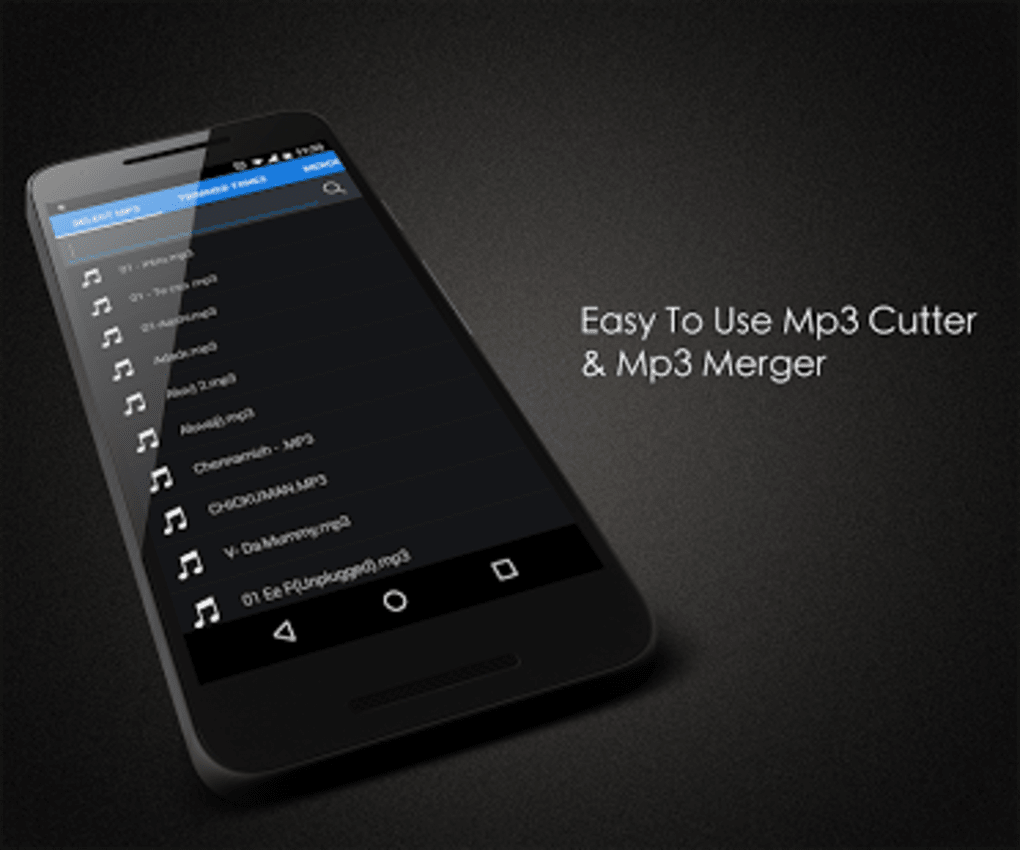
Targeted primarily at casual users and mobile enthusiasts, MP3 Cutter offers a straightforward solution for on-the-go audio manipulation. The app accesses MP3 files stored on the device’s SD card, presenting them in a clear directory format for easy selection. Users can preview clips using the built-in audio player before saving changes, ensuring accurate edits. This functionality supports real-world scenarios such as preparing audio for social media, creating personalized notifications, or organizing music libraries.
The developer did not provide additional background information. No official website or support portal was included in the available data. The application operates as a standalone tool with no dependency on cloud services, making it suitable for users who prefer offline editing.
Key Features & Capabilities
- MP3 File Trimming – Users can select any MP3 file from their SD card and cut out specific segments with precision.
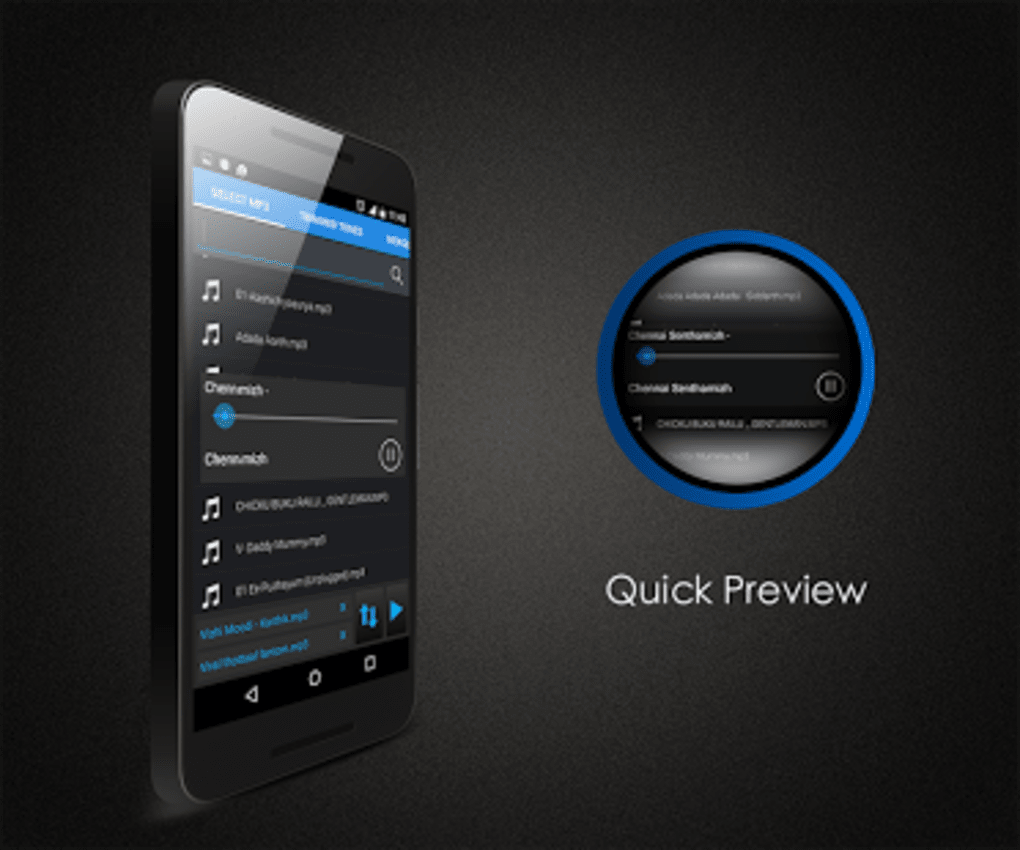
- Integrated Audio Player – A built-in player allows users to listen to the file before and after editing to ensure desired results.
- Flexible Save Options – Edited audio can be saved back to the SD card or exported as a custom ringtone.
- Shareable Output – Trimmed audio files can be shared via email, messaging apps, or social media platforms.
- Simple and Modern Interface – The app features a clean UI designed for ease of use, even for non-technical users.
These features support practical workflows such as extracting a 30-second intro from a longer track for a video, creating a unique ringtone from a favorite song, or removing dead air from a recorded lecture. The ability to preview audio before saving enhances accuracy and user confidence. Since the app works entirely offline, it is ideal for users seeking privacy and minimal data usage. The lack of subscription models or in-app purchases reinforces its value as a free, no-frills tool.
User Interface, Workflow & Performance
MP3 Cutter presents a minimalist interface that prioritizes accessibility and speed. The main screen displays a list of MP3 files from the SD card, enabling users to browse and select their target audio with minimal steps. Navigation is intuitive, relying on standard touch gestures and on-screen controls for playback, trimming, and saving.
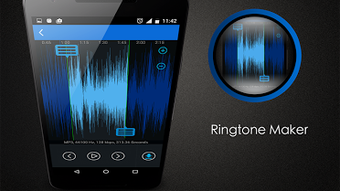
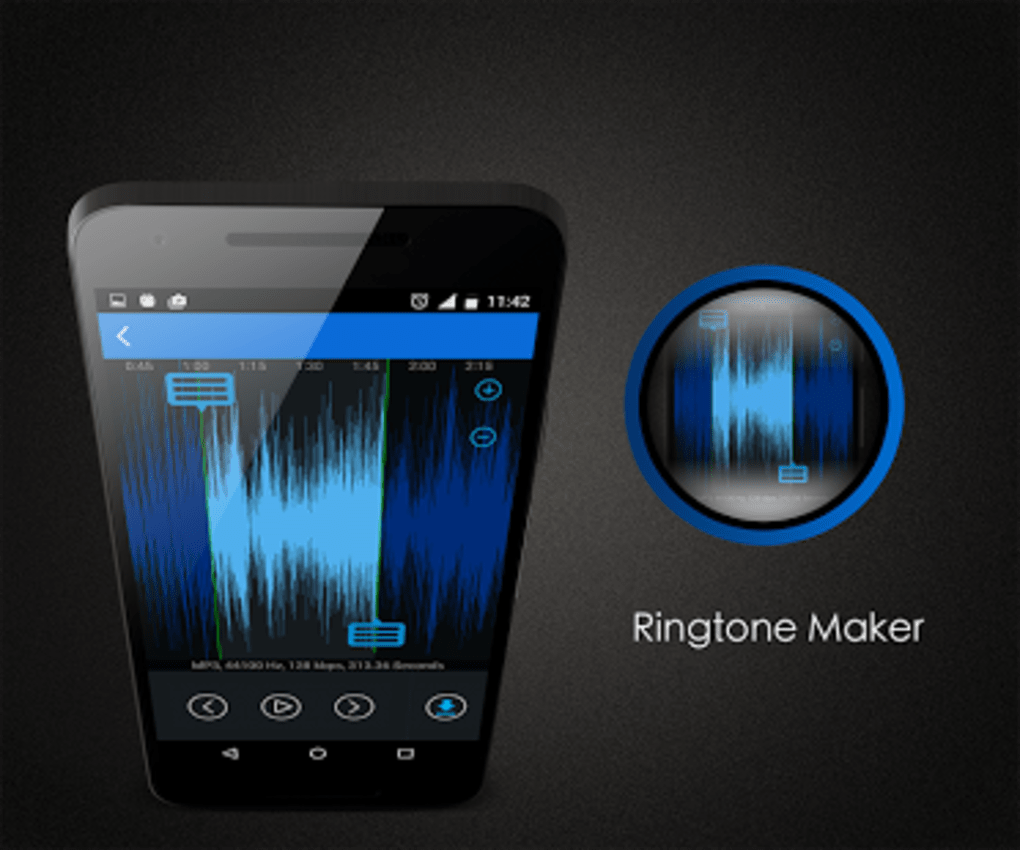
The workflow follows a logical sequence: select file → preview → set start and end points → save or share. This streamlined process reduces user effort and supports efficient editing, especially for repetitive tasks. The app does not require extensive configuration, making it suitable for first-time users.
Performance observations are based on general software behavior patterns. The developer did not specify resource usage details. Stability appears consistent during basic operations, though prolonged use may vary depending on device hardware. No crashes or freezes were reported in available documentation. The app maintains responsiveness during playback and trimming, suggesting optimized handling of audio data.
Compatibility & System Requirements
MP3 Cutter is designed for Android devices and is available as an APK file for direct installation. The supported operating system is Android, though specific version compatibility was not listed. The installation size is not specified, and no hardware requirements were provided.
Exact system requirements were not listed. Compatibility information was partially provided. Users should ensure their device supports APK installation and has sufficient storage space for both the app and audio files. The app relies on local file access, so SD card functionality must be enabled on the device.
Pros and Cons
Pros
- Free to use with no in-app purchases or subscriptions
- Simple, modern interface ideal for beginners
- Offline functionality with no internet required
- Supports direct file sharing via email and social media
- Allows saving as ringtones for personalized device sounds
Cons
- Only supports MP3 files; no other audio formats are mentioned
- Requires manual SD card access; no cloud integration
- No advanced editing tools such as fade-in/out or volume adjustment
- Exact system requirements and performance metrics not provided
- APK installation may require enabling unknown sources on some devices
FAQ Section
Is MP3 Cutter safe to download and install?
Yes, the app is designed for Android and is available as a free APK. However, users should only download from trusted sources to avoid potential malware. Always verify the source before installing APK files.
Does MP3 Cutter require an internet connection?
No, the app functions entirely offline. All audio editing and file management occur locally on the device, ensuring privacy and minimal data usage.
Can I edit audio files other than MP3?
The app is specifically designed for MP3 files. There is no indication that it supports other formats such as WAV, AAC, or FLAC.
How do I install MP3 Cutter on my Android device?
Download the APK file from a reliable source, enable “Unknown Sources” in your device settings, and install the file directly. The app will then appear in your app list.
Is there a license or subscription model for MP3 Cutter?
No, the software is free to use with no hidden fees or recurring charges. It does not require a license key or account registration.
Final Thoughts
MP3 Cutter delivers a focused and functional solution for basic audio trimming on Android devices. Its simplicity, offline operation, and free access make it a strong choice for users who need quick, no-frills edits without the complexity of desktop software. While it lacks advanced features and format support, it excels in its core purpose: cutting MP3s efficiently and securely.
It is best suited for casual users, students, content creators, and anyone looking to personalize audio content on their smartphone. The clean interface and direct file handling enhance usability, making it accessible even to those with limited technical experience.
For those seeking a reliable, free tool to trim MP3s on the go, MP3 Cutter stands out as a practical and secure option. Download MP3 Cutter now.






.png)
